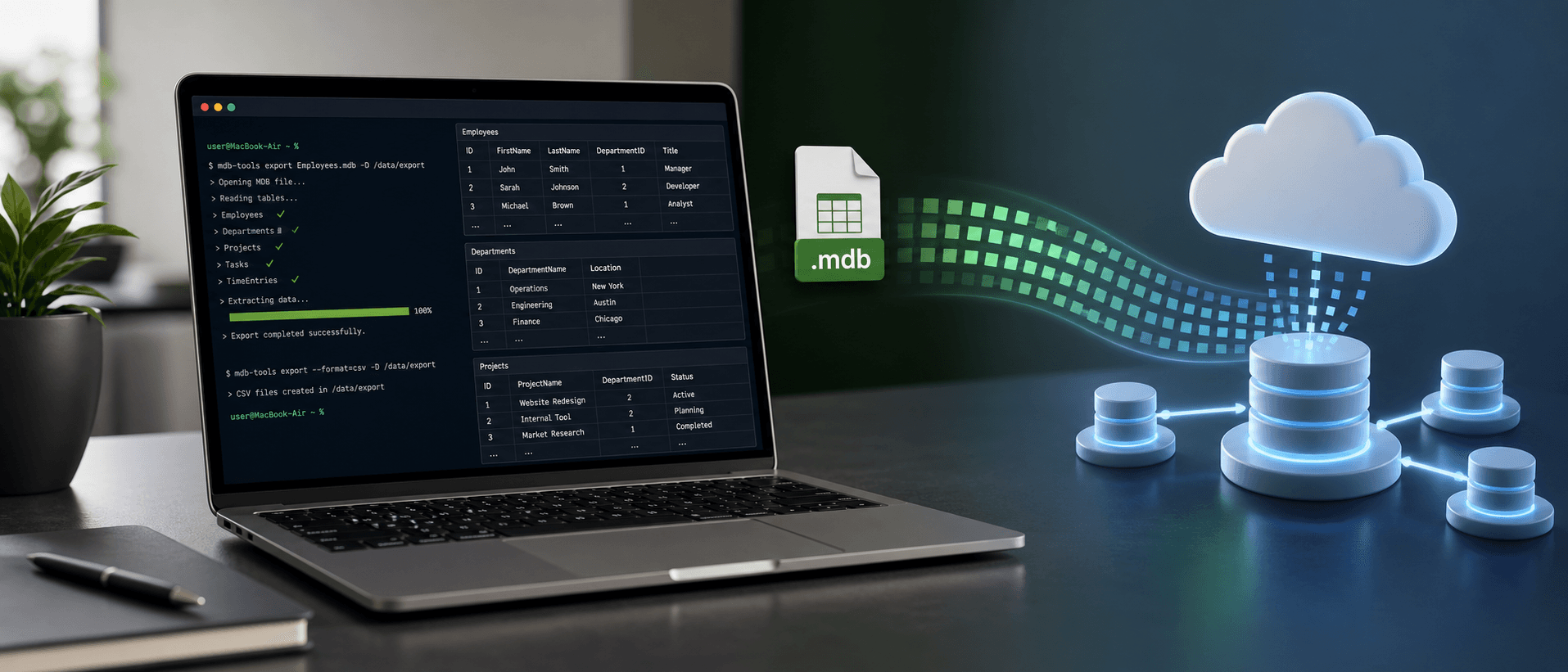
Case study: How to manipulate Access database in Mac OS X?

Microsoft Access is not available on Mac OS X. That simple fact could have turned a small customer project into an expensive detour. Instead, AI helped me find a practical path.
One of my customers had data stored in a Microsoft Access database on a Windows PC. I did not have a Windows PC. I had a MacBook Air. The customer gave me a small .mdb file, about 342 KB, and I needed to get the data out.
In the old way of thinking, the next step might have been painful: buy a Windows computer, buy a Microsoft Access license, open the database, export the tables, and then finally begin the real migration work. That would have cost both money and time.
But my target system was not Access. My target system was Google Firebase. Access was only the legacy starting point. I did not need to become an Access user forever. I only needed a reliable way to extract the data once.
The First Question Was Feasibility
I honestly did not know whether AI could help with this problem. But it never hurts to ask the right question. I asked Codex whether it was feasible to get data out of an Access database on macOS.
To my delight, the answer was yes. Codex pointed me to a tool I had never used before: mdbtools. It is an open-source toolset for reading Microsoft Access database files. I had not heard of it, but the recommendation made sense, and the file was small enough that trying it was low risk.
The important first win was not the final migration. The first win was discovering that I did not need Windows or Microsoft Access just to inspect and export the legacy data.
Using AI as a Practical Research Partner
I have used OpenAI Codex for a long time, and I currently pay for the $20 per month Plus plan. Occasionally, I need to wait for more quota, but in most cases it works very well for my development process.
This case reminded me why AI tools are so valuable. I did not need Codex to magically understand my customer's business on the first try. I needed it to help me ask the next useful technical question: can a Mac read an Access .mdb file, and what tool should I use?
Once I had that answer, the process became much less scary. Codex could help with the commands, the export approach, the schema inspection, and the migration design. I still had to make decisions, but I was no longer staring at an unfamiliar file format alone.
The Migration Target Was Firebase
The original Access database design was not optimal for the final product. That is not unusual. Legacy systems often reflect years of practical use, quick changes, old assumptions, and the limitations of the tool available at the time.
When migrating from Access to Firebase, the job was not only to copy tables from one place to another. The job was to understand what the data meant, reshape it for a modern application, and preserve enough history to avoid losing important context.
Codex gave me many recommendations during that process. One recommendation was especially useful: keep the original imported record in a field called LegacyRaw.
Keeping a LegacyRaw field gives the migration a safety net. If I make a mistake while reshaping data, I can still check the original record.
I happily accepted that recommendation. It is simple, but it is also wise. During a migration, confidence does not come from pretending everything is perfect. Confidence comes from preserving evidence so mistakes can be investigated and corrected.
The Bigger Lesson
The valuable lesson from this case study is that we should use AI more. We should not let pessimistic opinions about AI prevent us from even trying.
Of course AI is not perfect. Of course it can be wrong. Of course we need to verify its suggestions, especially when data matters. But there is a big difference between blind trust and productive trust. Productive trust means asking, testing, checking, and learning faster than we could alone.
In this case, if I had assumed AI could not help, I might have spent money on hardware and software I did not need. Instead, I found an open-source tool, extracted the legacy data, and moved forward with the Firebase migration.
Thank You, GBCCA
The organization I am working with is GBCCA: Greater Boston Chinese Cultural Association. On September 12, 2026, GBCCA will celebrate its 70th anniversary.
Thank you, GBCCA, for giving me the opportunity to work with you. You are my customer number 3. My goal is to grow from 3 customers to 30, then to 300, and then beyond.
With AI, many difficult things are becoming easier. A small Access database on a Windows PC no longer has to block a developer working on a MacBook Air. A legacy system can become the starting point for something modern.
Thank you, Codex, for speeding up my development process. This was a small technical victory, but for a young business, small victories matter.

Max Li
Founder, Grassrootech
max@grassrootech.comMax is dedicated to bridging the gap between advanced research and practical industry application. Drawing on his experience at IBM Research and Union University, he leads the development of AI solutions that drive meaningful progress.
Read More
What Should You Do If You Have Used Up Your Quota for OpenAI Codex?
OpenAI Codex is excellent, but quota limits are real. Here is a practical fallback strategy for developers who want to keep building without jumping immediately to a more expensive plan.

Have you heard of OPC: One Person Company?
AI is making a new kind of company imaginable: one person coordinating agents, software, and distribution with the leverage of a much larger team.